Clothing product photography needs a brief that defines the garments, required views, visual standards, and delivery specifications before the shoot.
Professional clothing product photography plays an important role in how customers perceive a fashion brand online.
Unlike shopping in a physical store, online customers cannot touch the fabric, check the finishing, or try on the garment.
Your product images need to communicate these details clearly.
Our e-commerce and commercial styling services support consistent product presentation as part of a wider creative brief.
Why Product Photography Matters
Clear product images help customers assess garment shape, visible details, and fit while keeping your online store’s presentation consistent.
E-commerce photography should do more than make a garment look attractive.
It should help customers understand its silhouette, fit, texture, proportions, and construction.
If important details are missing or unclear, customers may hesitate before purchasing.
Strong photography supports both brand presentation and the online shopping experience.
Keep product descriptions, measurements, and material information alongside the images. Photography can illustrate a garment, but it cannot communicate every aspect of fabric feel or fit. Our fashion photography guide for brands explains how different shoot types support different goals.
What Should an E-commerce Photography Brief Include?
Include the product list, required views, brand direction, and file specifications so the team knows what to photograph and deliver.
Before organizing a clothing photoshoot, prepare a clear brief covering the following:
1. Product information
Identify every style and color, then specify the sample size, styling combinations, and product details that must be shown.
List every garment, available color, and required styling combination.
Make the product list easy to check on shoot day:
- Assign each style and color a clear product code or SKU.
- Record the photographed sample size and any intended layering.
- Flag features such as removable belts, reversible designs, or hidden fastenings.
2. Photography requirements
Specify the views needed for each garment and identify the details customers must see before deciding whether to buy.
Define the images needed for each product, such as front, back, side, close-up details, and on-model views.
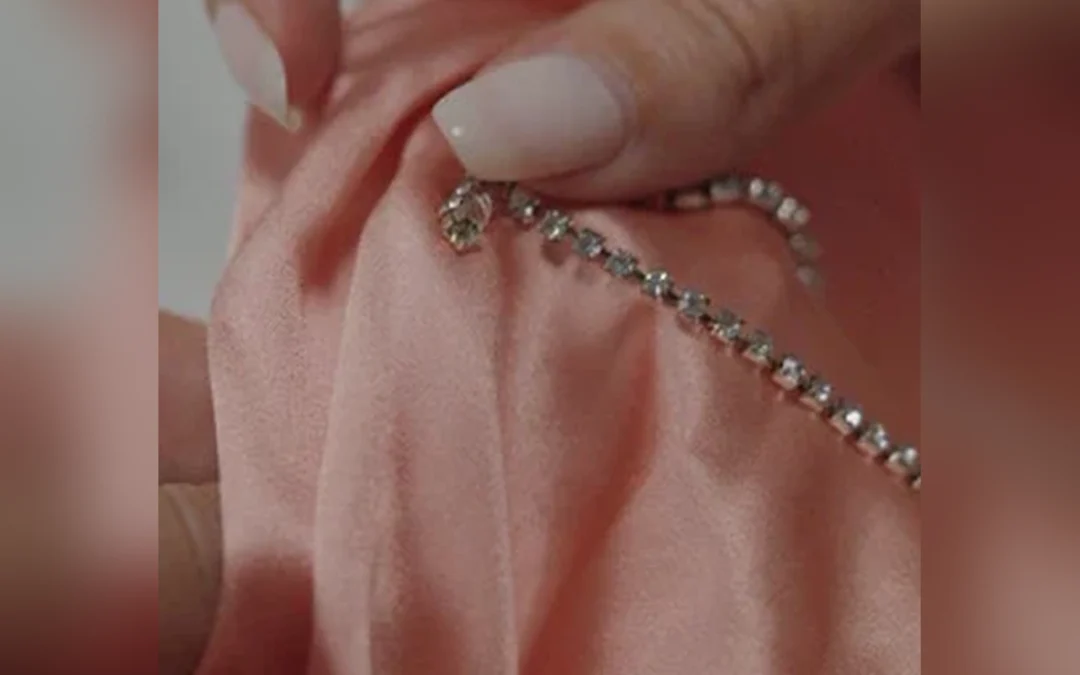
Add detail shots where the design requires them. A tailored coat may need collar, cuff, lining, and fastening views, while a printed dress may need a close-up showing the print and fabric texture. Avoid poses or accessories that hide those features.
3. Brand visual direction
Agree on the background, lighting, framing, styling, and model presentation so every product looks like part of the same store.
Specify background colors, lighting style, model presentation, and overall consistency.
Provide a small set of approved references and explain which features to follow. The visual brief should reflect your customer and price positioning; our fashion brand positioning examples offer context for making those choices.
4. Image formats
Confirm image dimensions, aspect ratio, file types, naming rules, and delivery requirements against the platform and channels where the images will appear.
Confirm the image dimensions, file types, and requirements for your e-commerce platform and other digital channels.
Agree on the required aspect ratio and consistent product placement within the frame. Ask for sufficient resolution for the intended display and zoom behavior, and test representative files in your store theme before approving the full export.
For delivery, specify:
- Whether you need separate high-resolution files and optimized web exports.
- A naming convention, such as
STYLE123-black-front-01.jpg. - The delivery date, approval contact, and included revision rounds.
How to Prepare Garments for Clothing Product Photography
Use approved, clean, fit-checked garments and organize them in shot-list order before the photographer starts work.
Check that photographed samples match the products customers will receive. Resolve fit or construction concerns beforehand; our guide to giving clear feedback on clothing samples explains how to communicate revisions.
Before the shoot:
- Steam or press each garment as appropriate, remove lint, and inspect closures and hems.
- Group garments with their correct accessories and identify each style clearly.
- Confirm the model’s sample size and record any styling adjustments that could affect how fit is perceived.
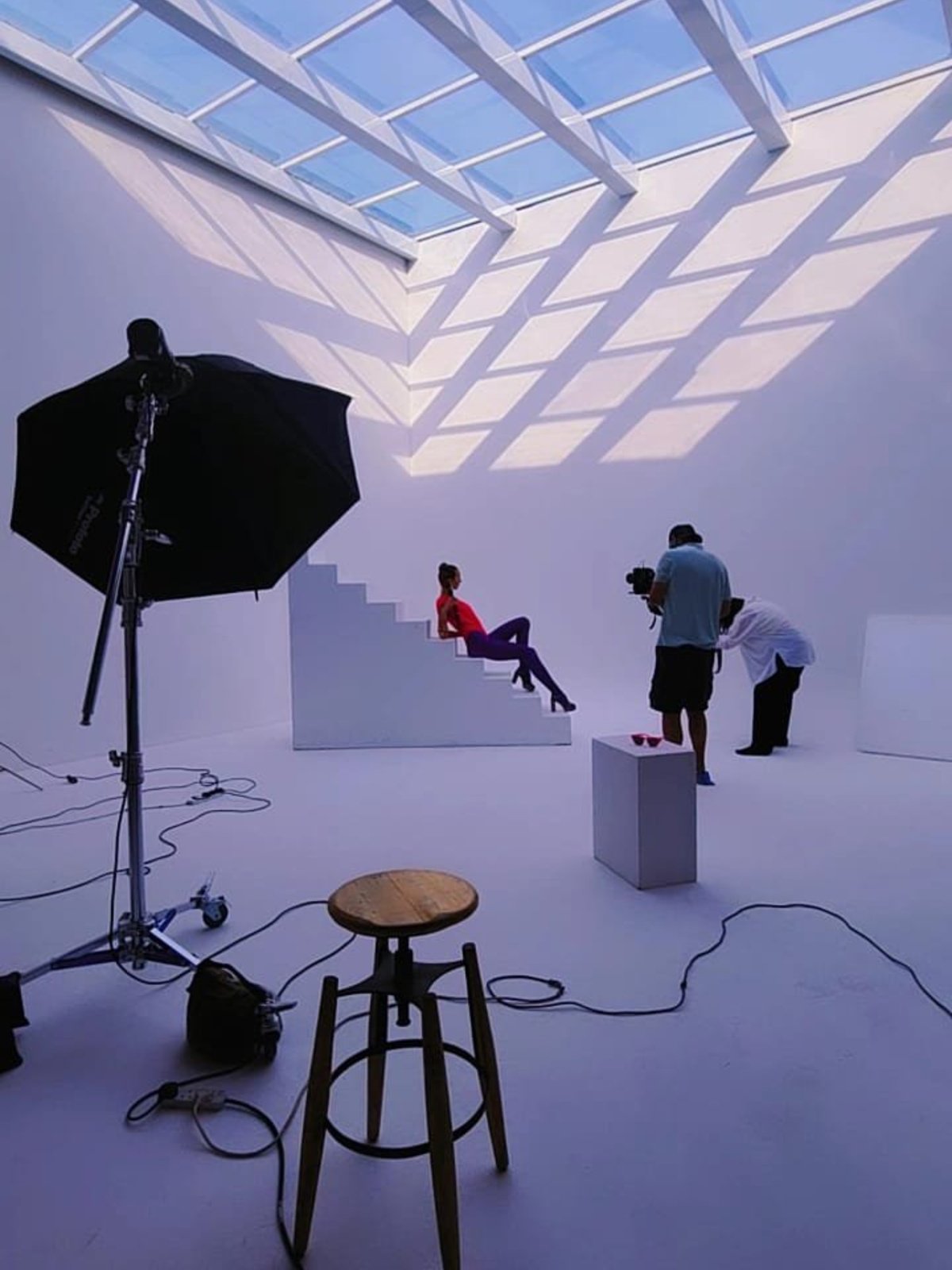
Our behind-the-scenes photoshoot preparation guide explains how concept planning, wardrobe preparation, and team coordination come together.
Product Photography vs Campaign Photography
Product photography prioritizes clear garment information. Campaign photography emphasizes a brand story, mood, and emotional connection.
These two types of fashion photography serve different purposes.
Product photography presents garments accurately and consistently to support purchasing decisions.
Campaign photography focuses more on storytelling, brand identity, and creating an emotional connection.
Both are valuable, but brands should define their requirements before planning the shoot.
A strong campaign image cannot always replace the clear product views needed for an online store.
If the collection also needs a buyer presentation, plan those deliverables separately. Our guide to creating a fashion lookbook explains how a coordinated set of images presents the collection as a whole.
Common Mistakes Fashion Brands Should Avoid
Avoid incomplete shot lists, styling that conceals the product, inconsistent images, and edits that misrepresent the garment.
One common mistake is organizing a photoshoot without a complete product list or shot plan.
Another is prioritizing creative styling while failing to show important garment details.
Inconsistent lighting, inaccurate colors, and missing product angles can also affect the customer’s shopping experience.
Planning these details before the shoot can reduce unnecessary additional work.
Agree on retouching boundaries in advance. Removing dust or a temporary background mark is different from changing garment proportions, removing real construction details, or making a fabric appear different from the item being sold.
What to Check Before Approving Clothing Product Photography
Check accuracy, completeness, consistency, and file suitability before approving the final image set for your online store.
Compare the delivered files with the original brief and representative physical garments:
- Product accuracy: Check color, visible texture, details, and the correct style or variant.
- Shot coverage: Confirm that every agreed view and detail image has been delivered.
- Consistency: Review backgrounds, framing, product scale, and editing across the full collection.
- Store display: Test crops, image order, zoom clarity, and filenames on the intended product pages.
Keep one consolidated revision list so the photographer receives clear, consistent feedback.
Fashion Photoshoot Support
The Fashion Coterie supports shoot preparation through creative direction, styling, and planning aligned with the brand’s products and visual identity.
The Fashion Coterie supports fashion brands with creative direction, styling, and photoshoot planning to maintain consistency between their products and visual identity.
Preparing for an e-commerce collection launch? Contact us to discuss your photography and campaign requirements.
Conclusion
Clothing product photography works best when the brief connects accurate garment presentation with clear shoot requirements and a structured approval process.
Prepare the product list, specify the necessary views, and confirm styling and delivery standards before shoot day. Reviewing the final images against that brief helps you publish a consistent collection with fewer unanswered product questions.
Frequently Asked Questions About Clothing Product Photography
A clear product-photography brief defines what must be photographed, how it should look, and which files the brand needs.
What is clothing product photography?
Clothing product photography presents garments clearly for product listings, showing their shape, fit, color, and visible design details.
How many images are needed for clothing product photography?
There is no fixed number. Include enough views and close-ups to show the garment’s important features and answer likely customer questions.
Do clothing product photos need a model?
Not always. Flat lays, mannequins, and model photography serve different needs; on-model views can help demonstrate fit, scale, and styling.
Should every clothing colorway be photographed?
Plan images that accurately represent each colorway being sold, and check the final files against the corresponding product before publishing.
What image size should I request for my online store?
Check your platform and theme requirements, then agree on dimensions, aspect ratio, and exports that support the intended display and zoom.